Forms that fill your base.
A public form creates a record in your table with every submission: quote request, sign-up, application. No more copying replies out of an inbox.
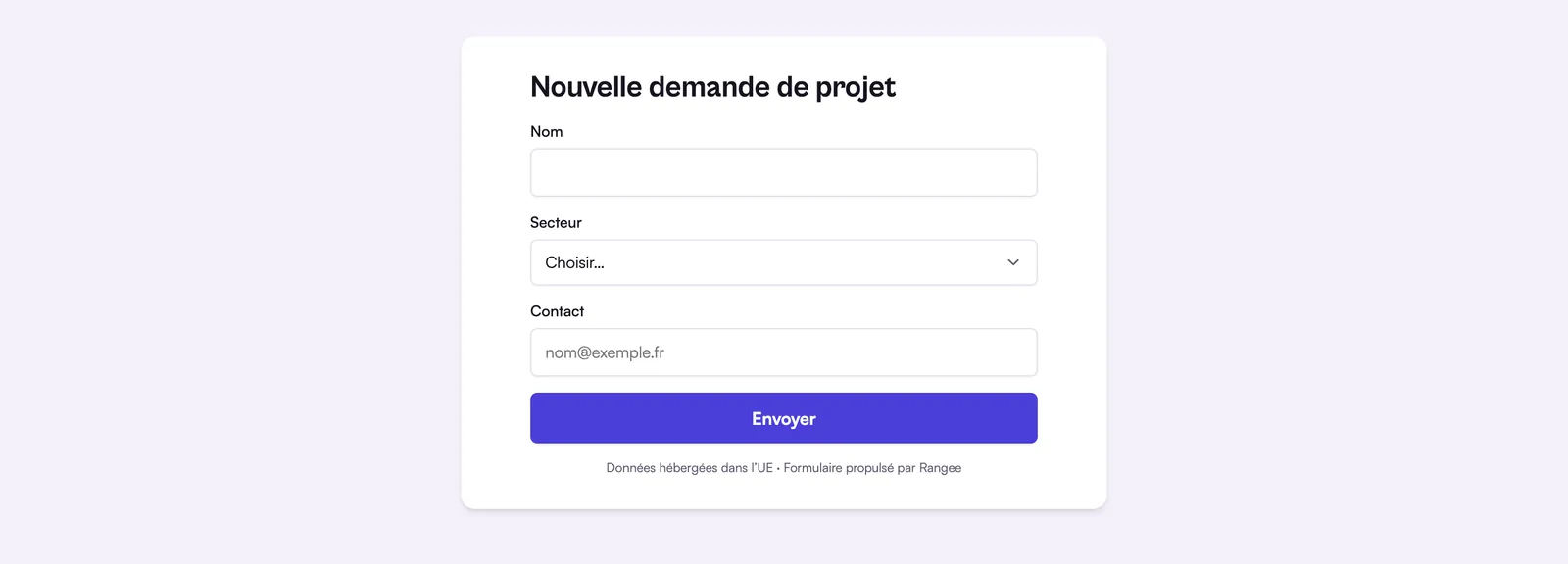
How do Rangee forms work?
A Rangee form is a view of a table: each submission creates a row in that table, with the base's types. A date stays a date, a choice stays a choice, and no answer has to be copied over from an inbox. You choose the fields to ask for and their order, then share a public link. The person answering needs no account and sees nothing but the form. The “Form submitted” trigger can start an automation: notify the right person, send a confirmation or create a linked task. The same form can also sit in an interface, for the signed-in team. Public forms are included on every plan, the Free plan too, and the number of answers is limited only by the base's number of records: 1,000 on Free, 100,000 on Pro and Business. Attachments and conditional questions are not available yet.
A form is a view of the table
You choose which fields to ask for and in what order. Answers go straight into the table, with the base’s types: a date stays a date, a choice stays a choice.
One link, no account
The form is shared with a public link. The person replying needs no account and sees nothing but the form.
A reply can set off what comes next
The “Form submitted” trigger starts an automation: notify the right person, send a confirmation, create a linked task.
Also in your interfaces
The Form block puts the same entry form in an interface, for signed-in team members.
Depending on your plan
| Free | Pro | Business | |
|---|---|---|---|
| Public forms | Included | Included | Included |
| Responses | Up to the base’s record limit | Same | Same |
Not available yet
- Attachments in a public form.
- Conditional questions and prefilling through the link address.
Frequently asked questions
Another question? Write to us.
Your first form, linked to your base.
Join the beta: create a table, open its form view and share the link.